
How to use the BE-ICS label printer in 864-1-B14 ?
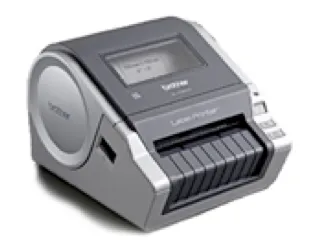
Model: Brother QL-1060N
Documentation: http://support.brother.com/g/b/producttop.aspx?c=us&lang=en&prod=ql1060neus
Printer network name: PRNBEICSLABEL02
Installed in 864-1-B14 (Uwe’s office)
Printing is possible from Windows and Mac. You need to install the corresponding printer driver from here:
http://support.brother.com/g/b/downloadtop.aspx?c=us&lang=en&prod=ql1060neus
Before printing you must select the correct label size in the printing dialog.
Available Label sizes:
•12mm – flexible length
•17mm x 87mm
•62mm x 100mm
•62mm – flexible length
•102mm x 152mm
You may check the current loaded label size here: http://prnbeicslabel02.dyndns.cern.ch/printer/configu.html
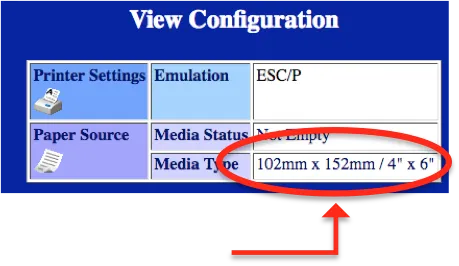
If the page does not display, the printer is switched off or not connected to the network.
Barcodes, QR-codes, etc. are easily available from this webpage: http://barcode.tec-it.com/en
We normally use the linear Code-128 for our equipment.
Two linear barcode scanners and two QR code scanners are also available for data collection. They can be connected to any computer with USB interface.